SearchPeopleFREE opt out & remove your info

Updated on: 04 September, 2026
Opt-out process:
about 10 minutes, plus the wait for the email
Removal time:
about 72 hours
Requirements:
your name and a valid email address
Cost:
free
This guide is part of Incogni’s free educational resources.
Prefer to skip the manual work? Incogni removes your personal info from 420+ data brokers—including SearchPeopleFREE—automatically and on repeat.
🛡️ 30-day money-back guarantee
How to opt out of SearchPeopleFREE, step by step
ℹ️ Before you start:
Before opting out, look yourself up on searchpeoplefree.com and note the exact details your listing shows—especially the address.
The removal form matches against what’s published, so enter the data as it appears there, even if it’s an old address rather than your current one.
This is the email-first flow: you start the request, verify it through a link, then fill in the details on a second form. Here’s how it goes.
Step 1. Open the opt-out page
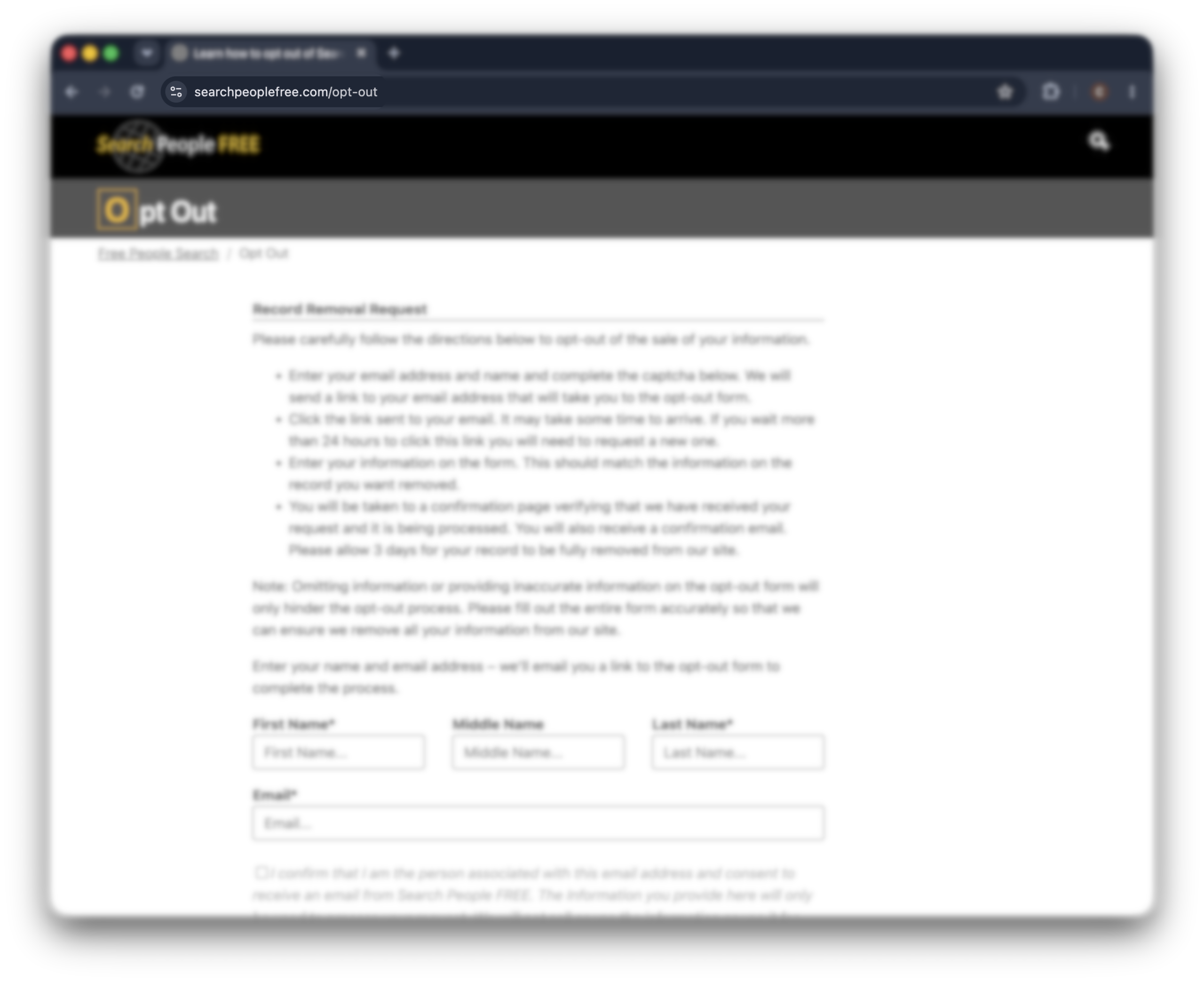
Go to searchpeoplefree.com/opt-out. If you start from the homepage, scroll to the bottom and click “do not sell or share my personal information”, then find the “how to opt out” section and click “opt out form”.
Step 2. Start the request
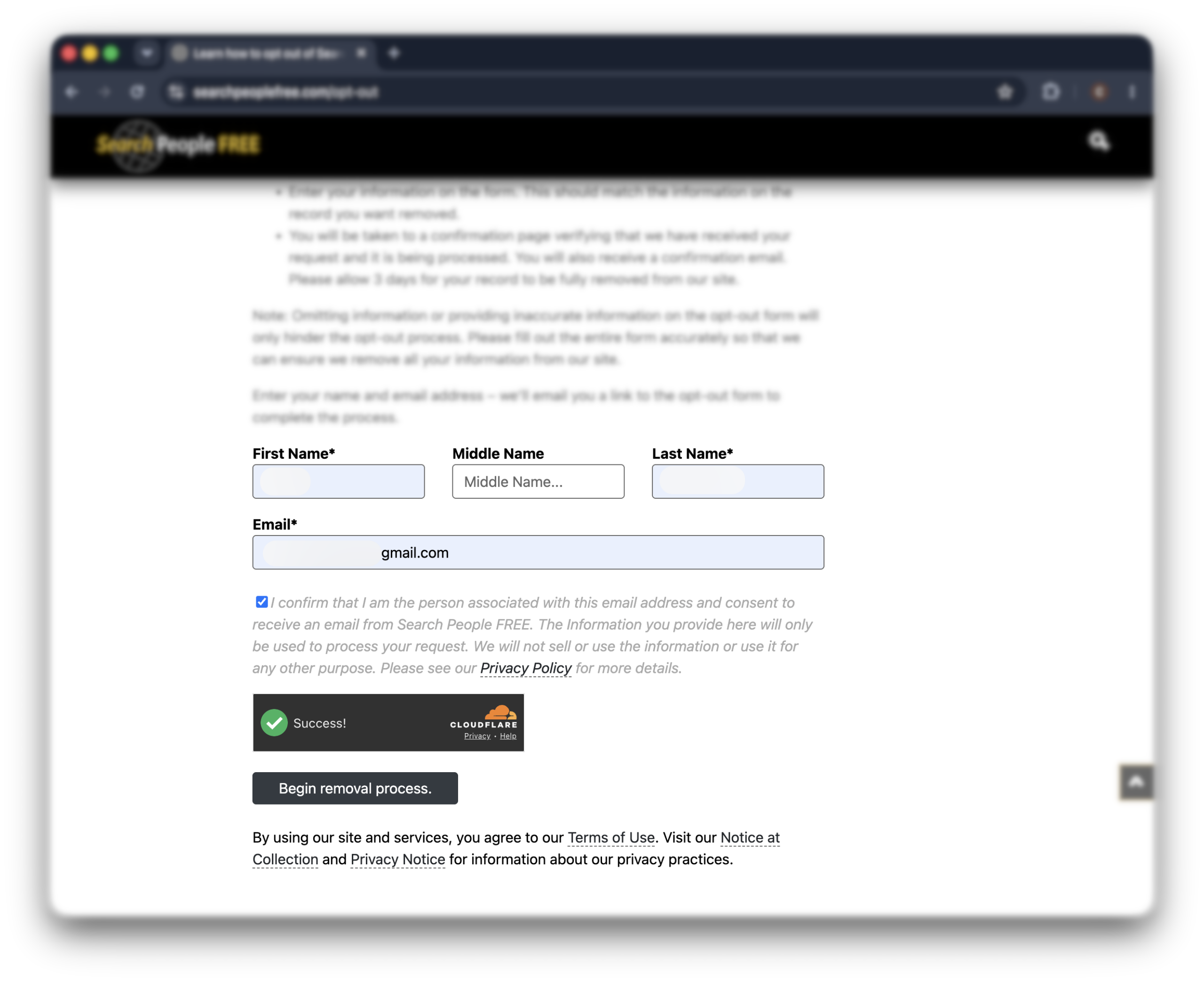
Enter your full name and email address, check the box confirming the email is yours, solve the CAPTCHA, and click “begin removal process”.
💡 A secondary or throwaway email works fine here—you only need it to receive one validation link.
Once it goes through, a green confirmation should appear reading “your request to remove information from search people free has been initiated.”
ℹ️ If clicking “begin removal process” seems to do nothing and no confirmation shows up, clear your cookies or switch to a different browser, then fill in the form and try again.
Step 3. Click the validation link
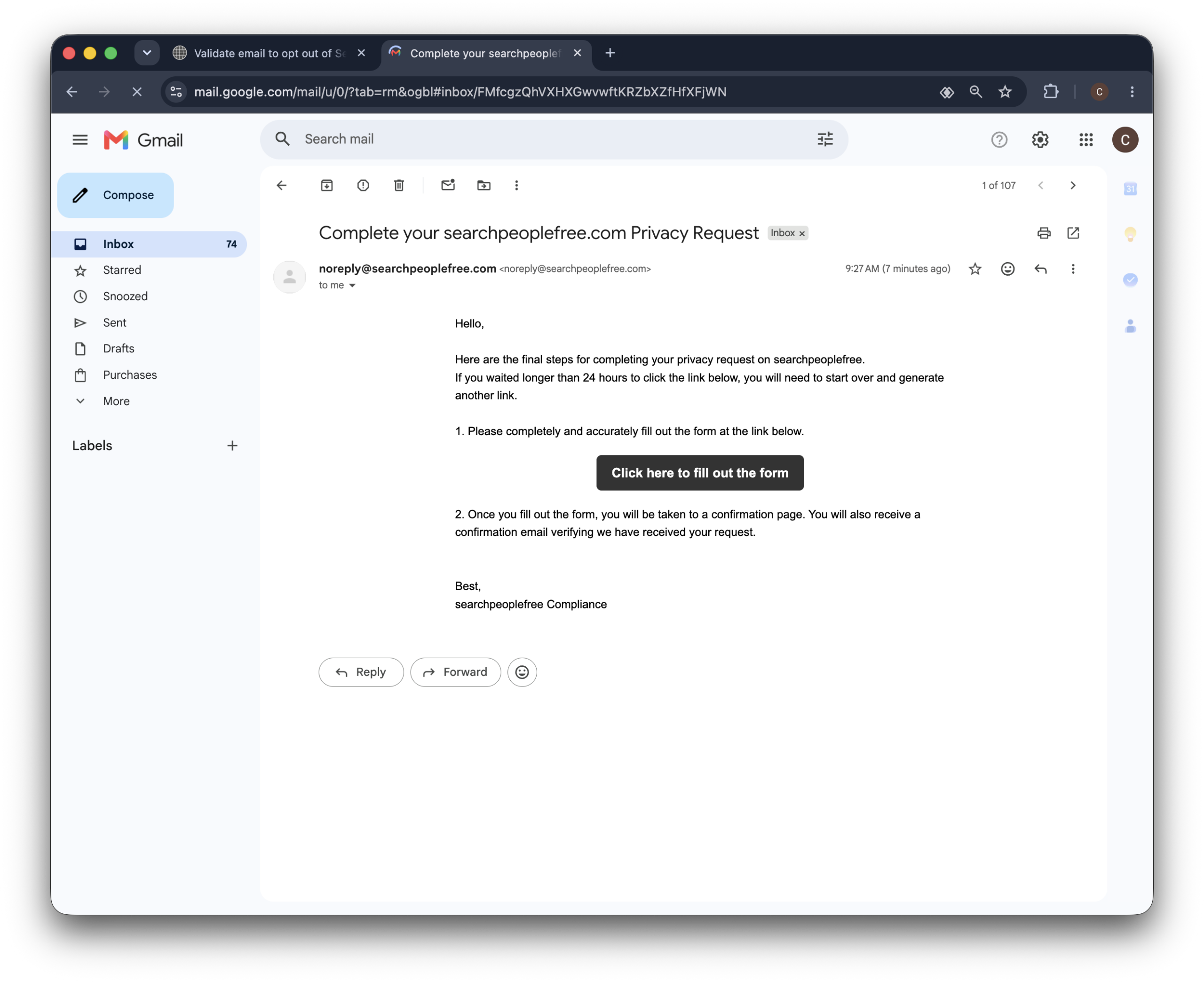
Open the email from SearchPeopleFREE and click the confirmation button inside it.
That link takes you to the actual removal form.
Do it promptly—the removal session times out after 30 minutes, so you don’t want to leave it sitting.
Step 4. Fill out the removal form
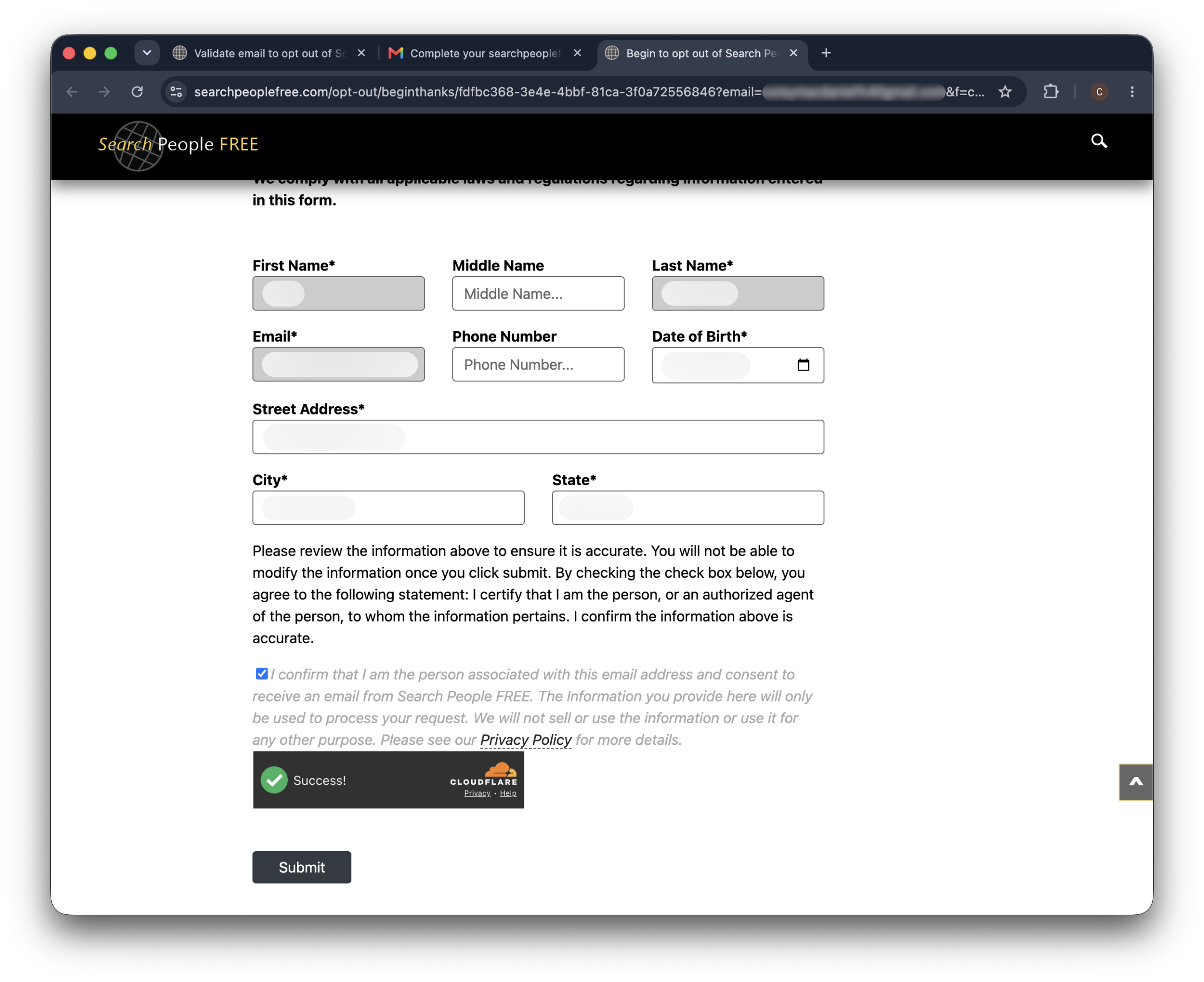
The form opens with your name and email already filled in.
Add the rest of the details that identify your record—the ones you noted from your listing earlier, like your city and state.
Use the details exactly as they appear on your SearchPeopleFREE listing, not just your current ones.
If your record shows an old address, that’s the one that will match—this is why checking your listing first pays off.
And if you’ve lived at more than one address, remember SearchPeopleFREE can hold a separate record for each.
Step 5. Review and submit
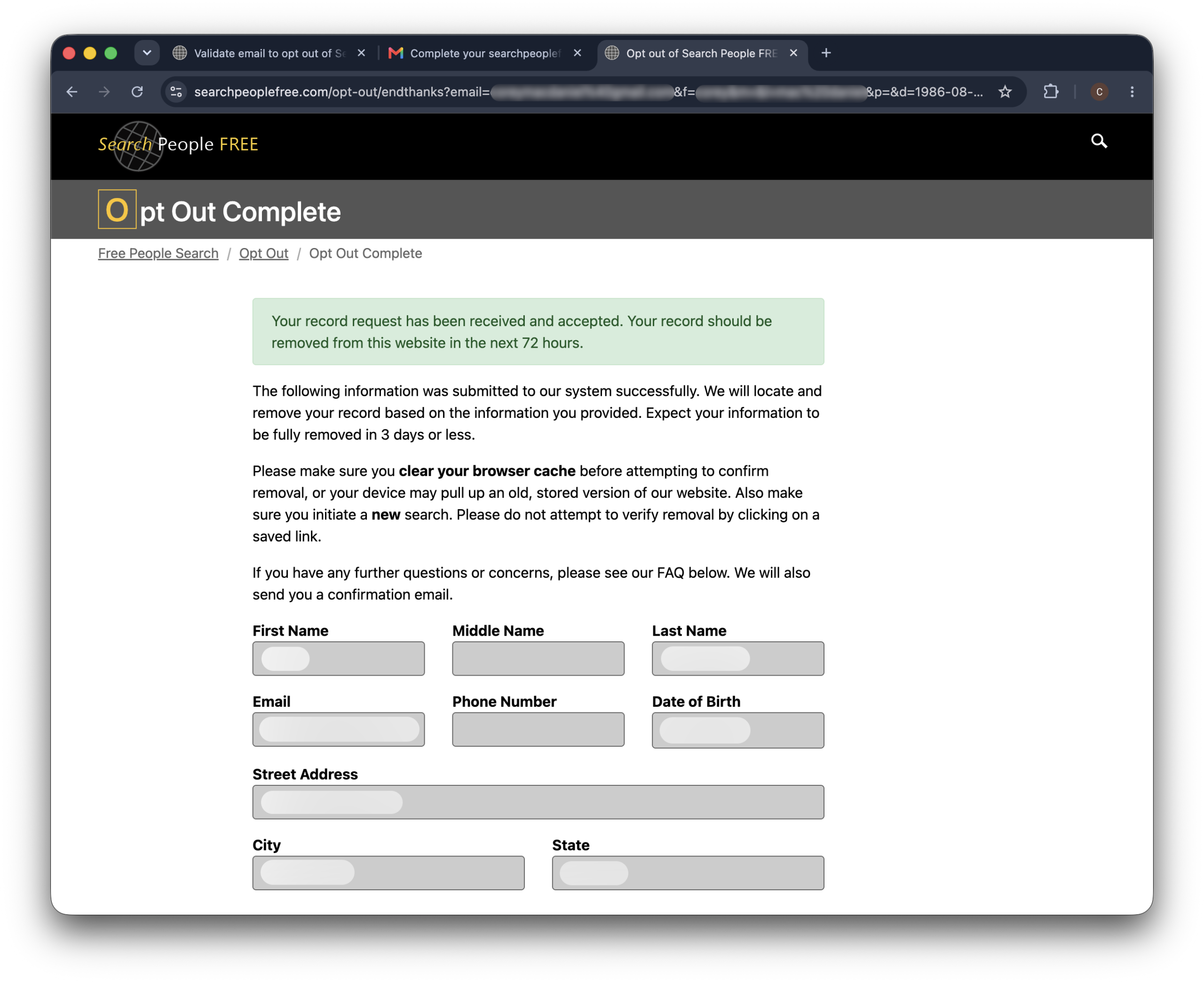
Check the box confirming you’re the person in the record, solve the second CAPTCHA, and click “submit”.
You’ll see an on-screen confirmation right above the form once it goes through.
That’s your sign the request landed.
Alternative opt-out methods
The online form is SearchPeopleFREE’s main opt-out path.
Alternative methods are:
By phone: call SearchPeopleFREE at 800-958-6869.
By email: send a message to [email protected] or [email protected].
Prefer to put it in writing? Not sure what to word it? Copy this and fill in the brackets:
To: [email protected] OR [email protected]
Subject: Opt-out and personal information removal request
Hello, please remove my personal information from SearchPeopleFREE.
My listing is here: [listing URL]. My details as they appear on the listing are: [your full name], [city, state], [any phone or email shown on the listing].
Please confirm once the record has been removed.
Thanks, [your full name]
Hold on to any reply you get—it’s handy proof if you ever need to follow up.
What to expect after opting out
SearchPeopleFREE says to allow about 72 hours after you confirm. In practice it can occasionally run up to a week, so give it a few days before worrying.
How to verify your data was removed
Search your name on the site again after a few days. A private browser window gives you the cleanest view, since it ignores anything cached from your earlier visit.
Will your data come back?
It can. SearchPeopleFREE rebuilds its listings from public records, so a new profile with your details can surface months later. That’s the nature of these sites—removal isn’t always the end of the story, so it’s worth searching yourself again every so often.
Troubleshooting
In short:
Most SearchPeopleFREE opt-out problems come down to a missing validation email, a session that timed out, or extra listings you missed. Each has a quick fix, and a reappearing record just needs a fresh opt-out.
The validation email never arrived
Look in spam and promotions before anything else. Still nothing after a quarter of an hour? Nine times out of ten it’s a typo in the address field—resubmit and double-check. Adding searchpeoplefree.com to your safe-senders list before retrying helps it get through.
Your session expired before you finished
The removal session lasts 30 minutes. If it timed out, just start again from the opt-out page. Having your details ready this time will get you through comfortably.
You have more than one listing
Different addresses and phone numbers create separate records, and each has to be removed on its own. Run the opt-out again for each variation of your name and former addresses to catch every one.
Your data reappeared after removal
Re-do the opt-out for the new listing—it’s not that your earlier request failed, it’s that a fresh record entered their pipeline. If it keeps returning, an automated service that monitors and re-submits for you will spare you the repeat effort.
Other brokers that may have your data
SearchPeopleFREE uses the same public records as a lot of other people search sites.
So if you’re listed here, you’re probably on FastBackgroundCheck, Advanced Background Checks, and PrivateRecords.net too.
Most of them opt out the same way, so you already know the drill.
The catch is that these removals don’t last.
Each site pulls in fresh public records over time, so your profile can come back a few months later.
Doing this by hand across every site, again and again, is a lot to keep up with.
Incogni can take that off your hands.
It sends opt-out requests to the data brokers it covers and keeps re-submitting on a 60–90-day cadence, so a resurfaced record doesn’t stay up for long.
FAQ
Does the SearchPeopleFREE opt-out actually work?
Yes. After you submit the form and see the confirmation, the site removes your listing, usually within about 72 hours. The one caveat is that the same data can return later from new public records, so it isn’t always permanent.
How did SearchPeopleFREE get my information?
It pulls from public records—property filings, voter rolls, court records, directory data—and combines them into a profile. You never gave it your information directly; it aggregates what’s already public.
Is SearchPeopleFREE a legitimate site?
It’s a real, legal people-search site, not a scam. That said, it isn’t FCRA-compliant, so its reports can’t legally be used for employment, tenant, or credit decisions—it’s built for casual lookups.
Can I opt out if I live outside the United States?
Yes, anyone whose information appears on the site can request removal, regardless of where they live. Use the same opt-out form; your location doesn’t change the process.