PrivateRecords.net opt out & remove your info
The PrivateRecords opt-out process isn’t too bad, it shouldn’t take more than 10 minutes to complete. It’s just a matter of finding your listing on the opt-out page, filling in an opt-out form, and waiting for an emailed confirmation link. PrivateRecords.net doesn’t publish a timeline, but confirmed requests generally process within about two weeks.

Updated on: 27 August, 2026
Opt-out process:
under 10 minutes
Removal time:
about two weeks
Requirements:
name, email, full address, phone number
Cost:
free
This guide is part of Incogni’s free educational resources.
Prefer to skip the manual work? Incogni removes your personal info from 420+ data brokers—including PrivateRecords—automatically and on repeat.
🛡️ 30-day money-back guarantee
How to opt out of PrivateRecords.net step by step
Step 1. Open the opt-out page
Go directly to the opt-out page at privaterecords.net/api/helper/optOutLight/search.
Step 1. (alternative) If the link doesn’t work
Go to privaterecords.net and scroll to the footer, then click “do not sell or share my personal info” (you may also see it as “remove my info”).
Step 2. Search for your record
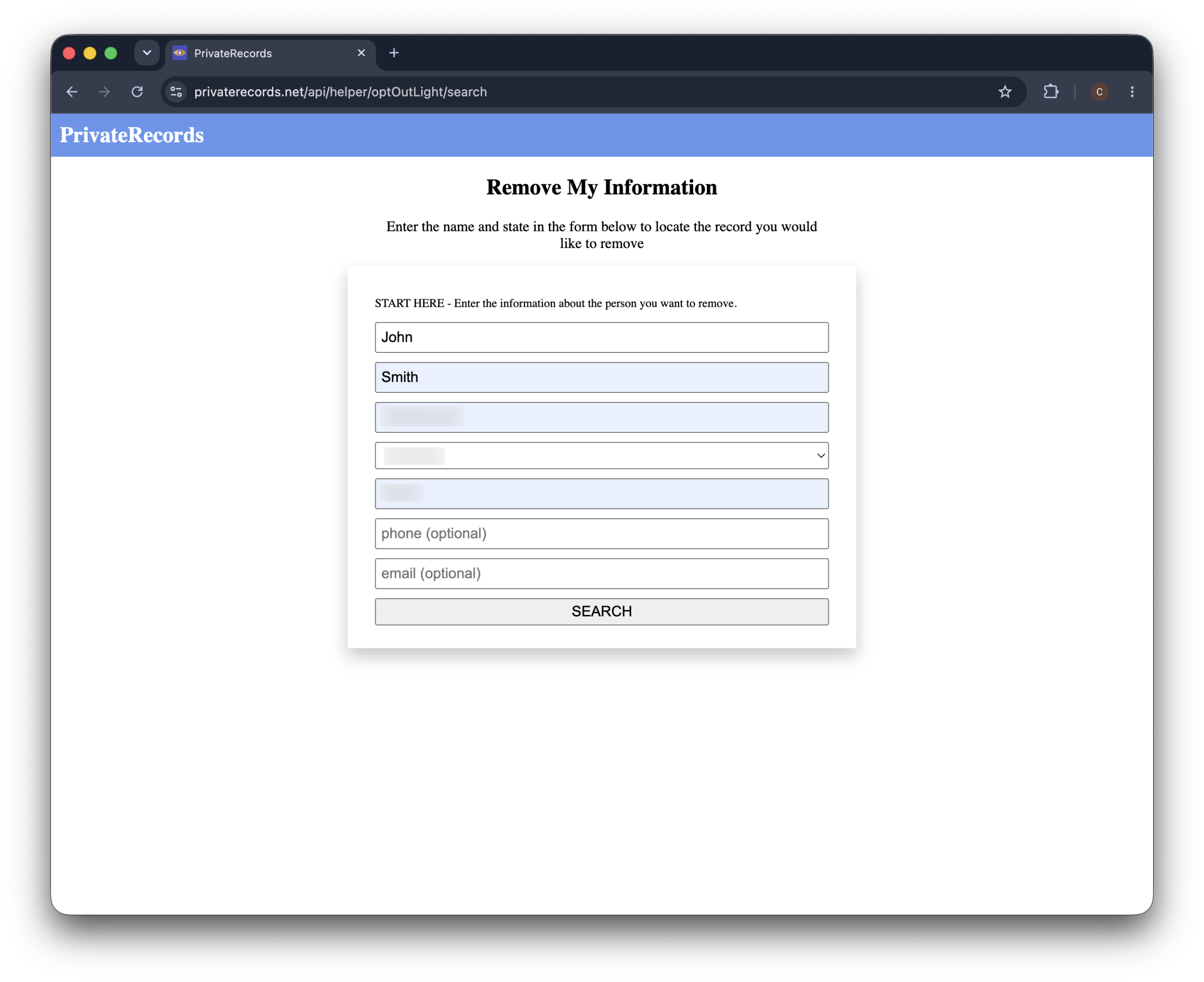
Enter your first name, last name, city, and state, then click “search”.
There are also optional fields for zip, phone, and email if you want to narrow things down, but name, city, and state are enough to start.
Heads-up: PrivateRecords.net uses a strict CAPTCHA, and it often takes a few tries to pass. That’s normal, so just keep going.
Step 3. Find your listing and click remove
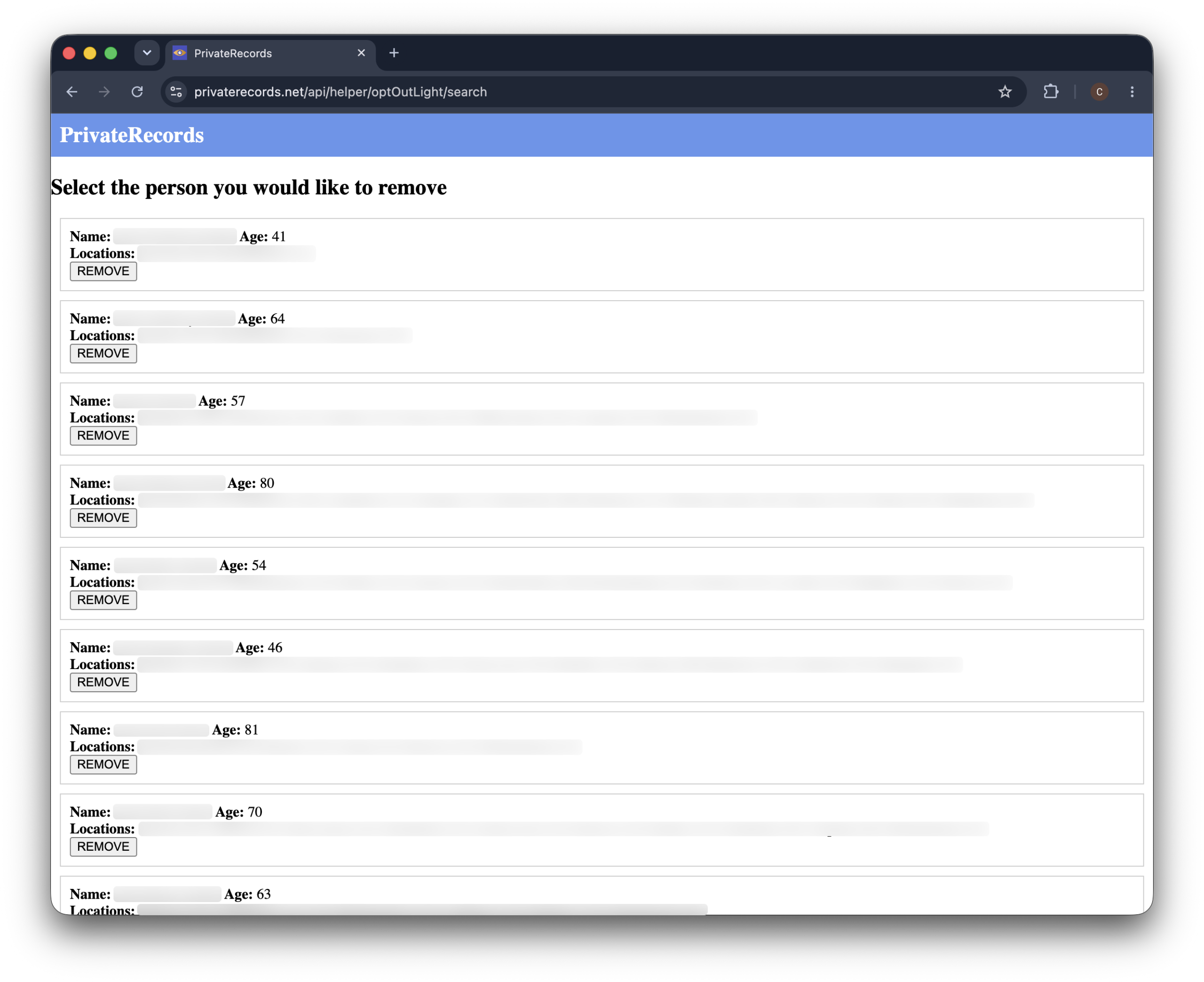
Your search brings up a list of matching people, each card showing a name, age, and past locations.
Find the one that’s you and click “remove” on that card.
Take a second to check the locations on your card before you click.
Those are the addresses on file, and they’re what the next form matches against—so if you see an old address there, that’s the one to use, not your current one.
Step 4. Verify it’s you and submit
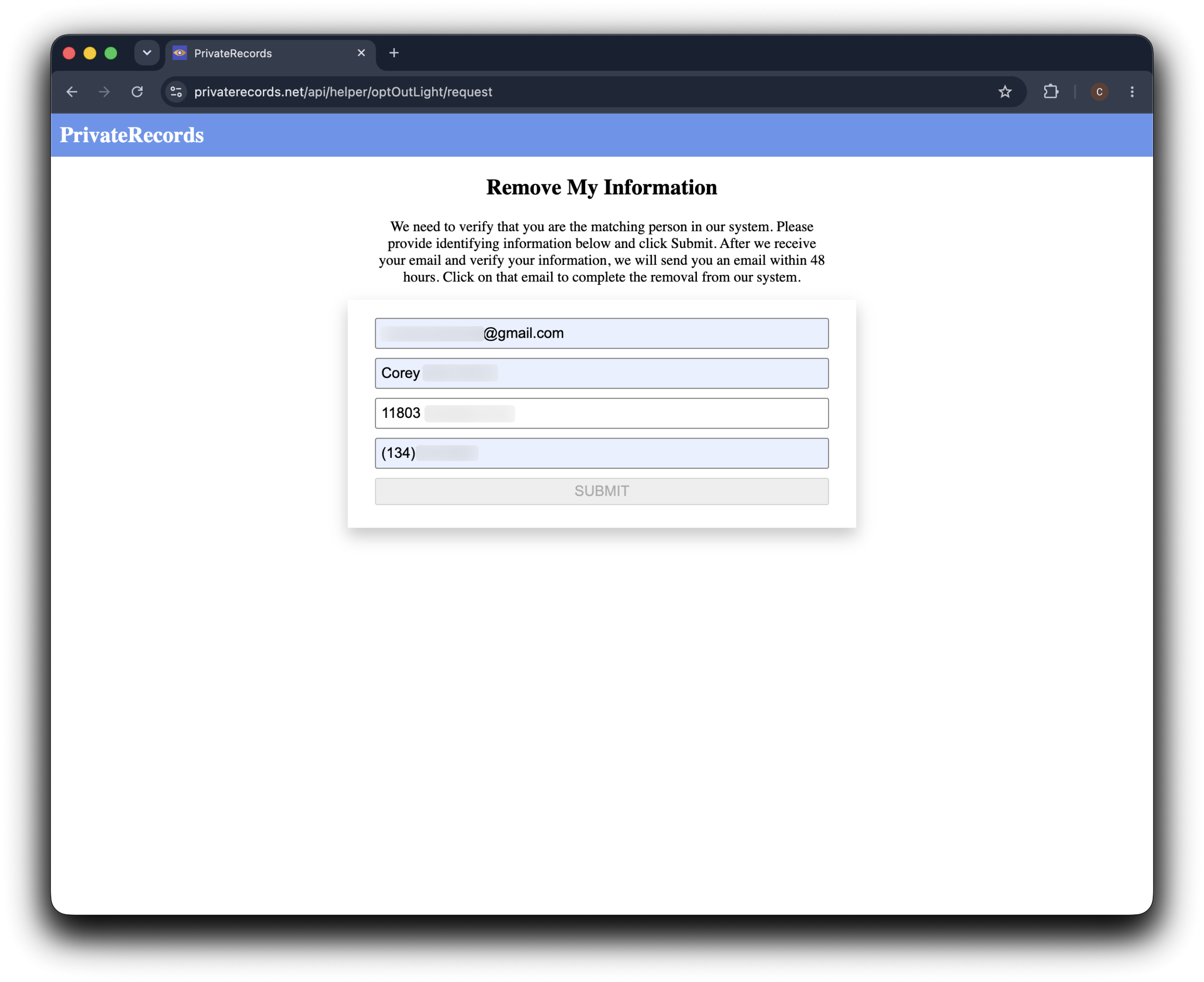
Now you’ll see a short verification form.
Fill in your email, full name, address, and phone number, then click “submit“.
Use the address and phone as they appear on the listing you just picked.
If you’d rather not share your main inbox, a secondary email is fine for the contact field—but the address and phone need to match your listing so they can find the right record.
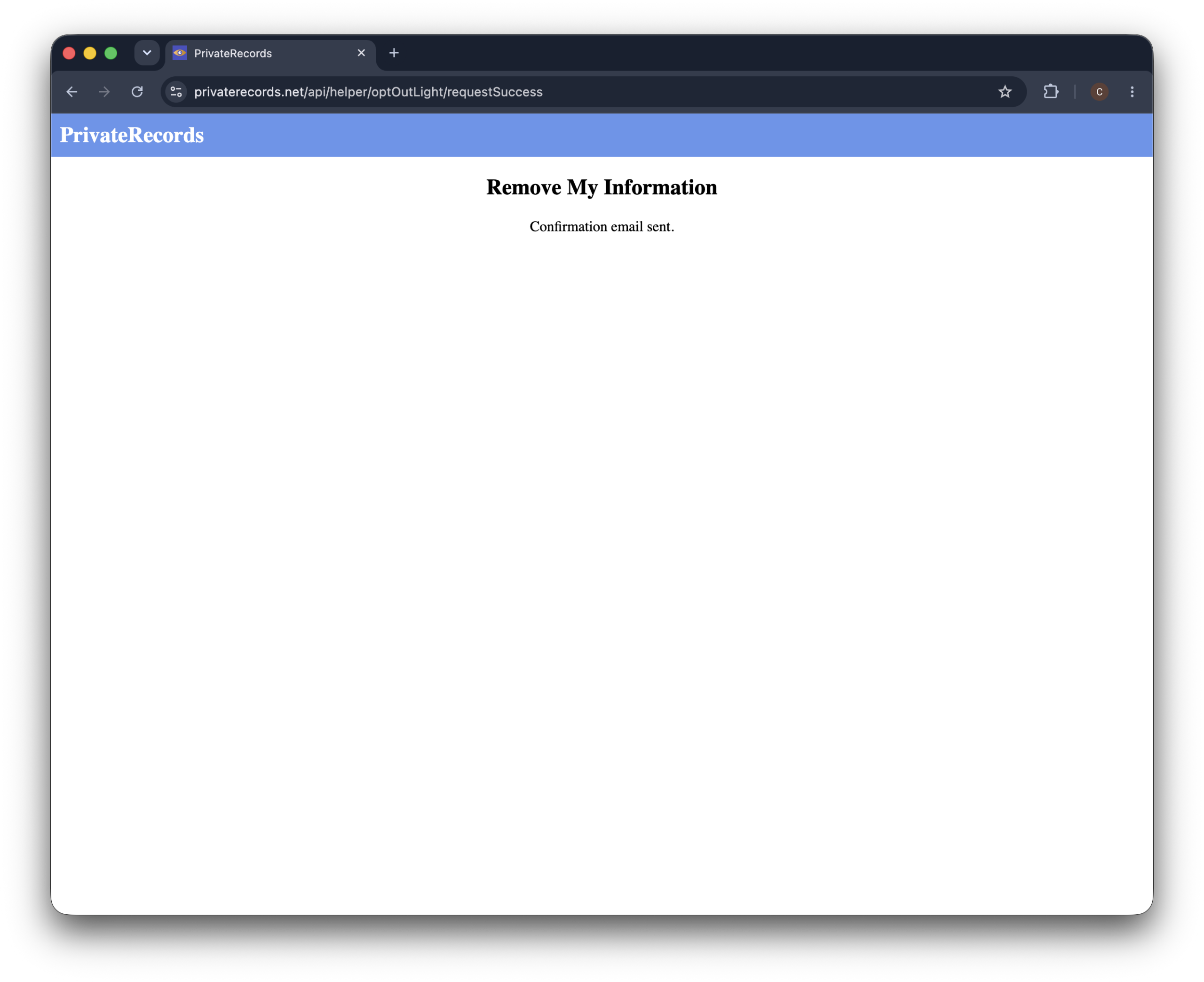
When it goes through, you’ll land on a “confirmation email sent” page. That’s your cue the request reached them and an email is on the way.
PrivateRecords.net reviews your details and emails you a confirmation link from [email protected], subject “optout request confirmation”.
The site says this can take up to 48 hours, so it may not arrive right away.
Step 5. Click the link in your email
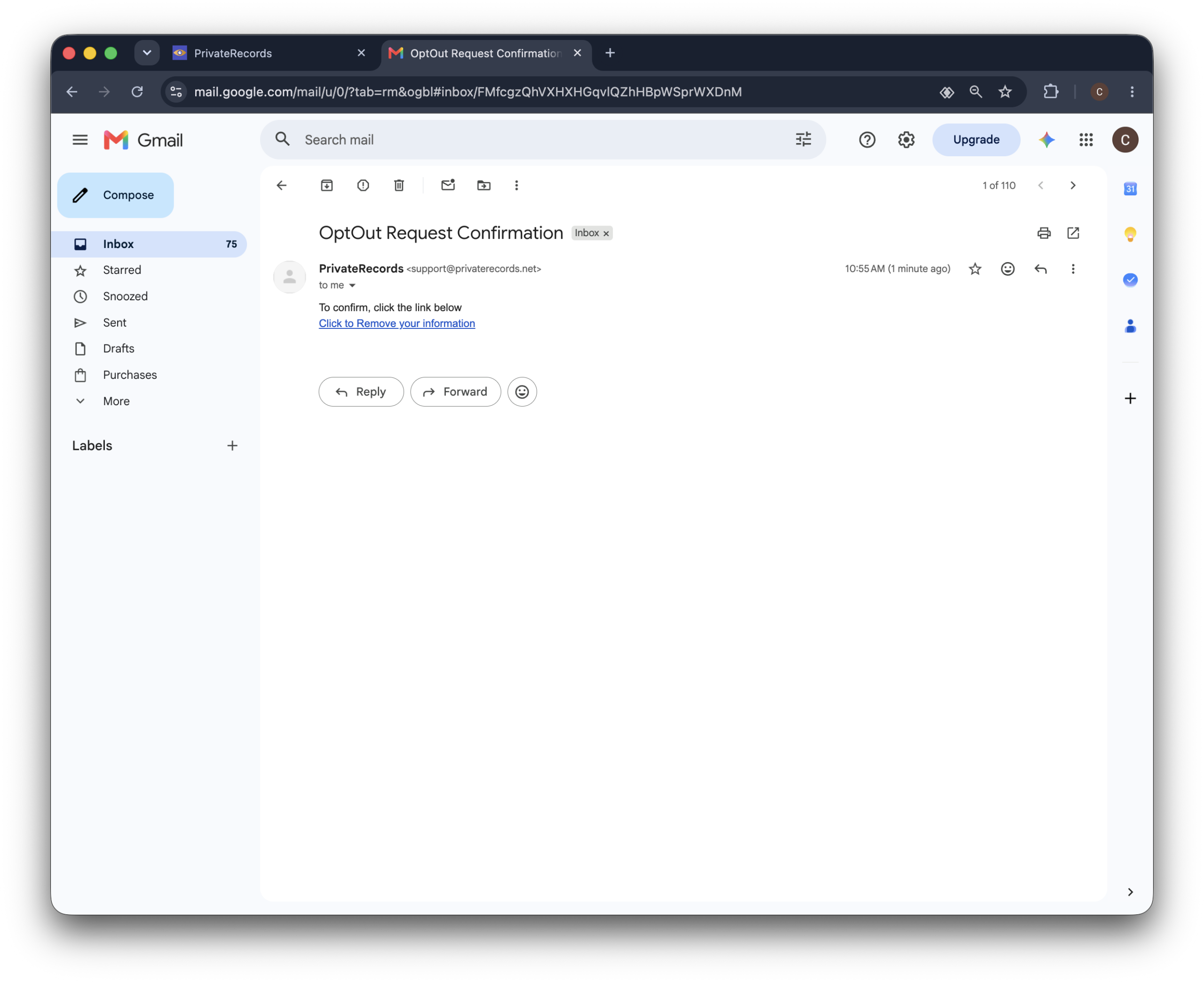
Open the email from PrivateRecords.net and click “click to remove your information“.
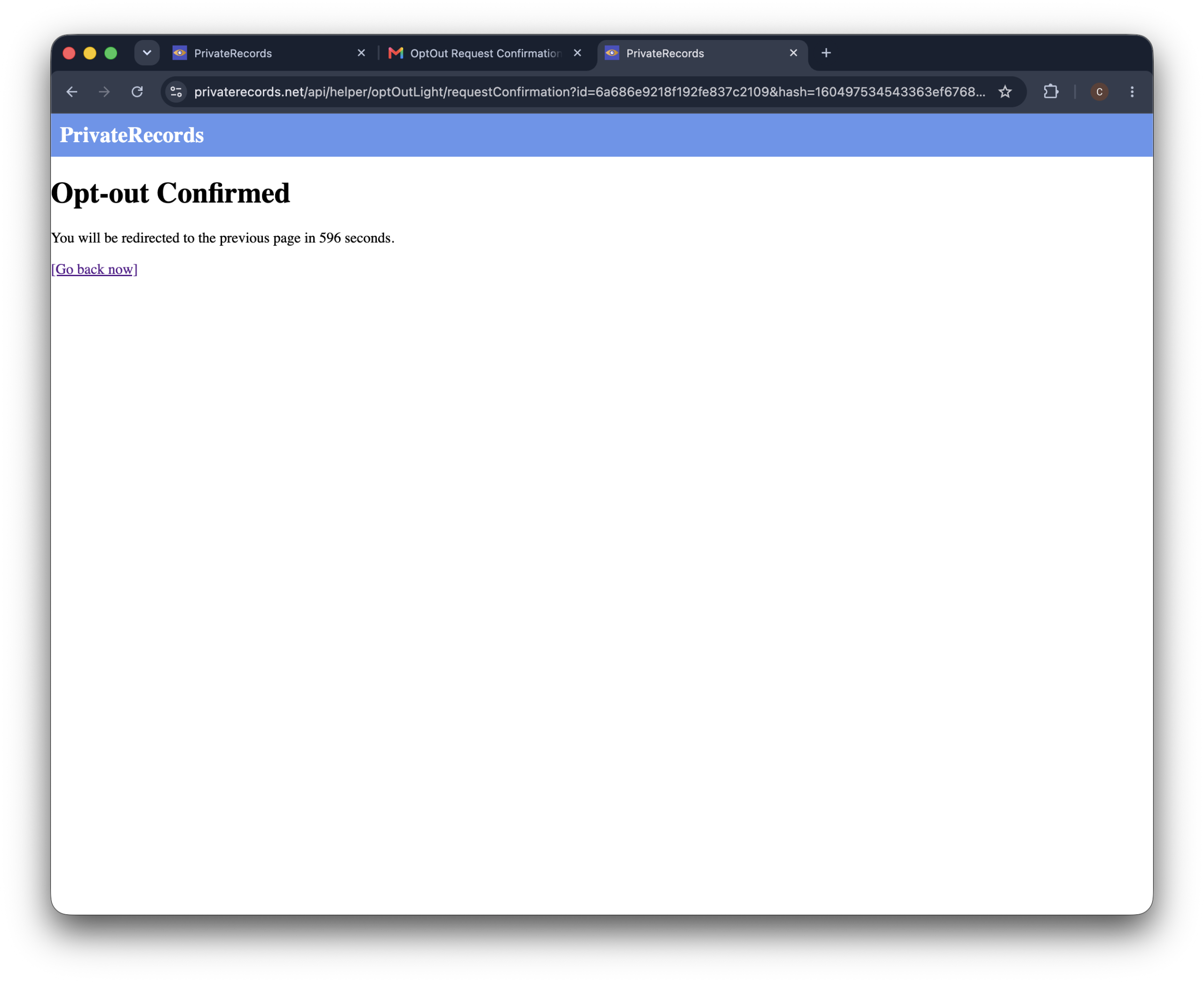
You’ll see an “opt-out confirmed” page—that’s the last step, and your request is complete.
If the email isn’t in your inbox, check your spam folder, and if you have more than one record, repeat the process for each one.
Why PrivateRecords.net asks for so much information
It feels backwards to hand a data broker even more of your details just to be left alone. But the address and phone number are how the site pinpoints the specific record that’s yours, out of everyone with a similar name, and confirms you’re the person it belongs to.
The good news: there’s no ID upload or document verification. And you’re not creating an account or a paid membership by opting out—more on that in the FAQ. If you’d rather not share your main inbox, a secondary email is fine for the contact field.
Alternative opt-out methods
PrivateRecords.net also takes requests by phone at (888) 270-9304 and through its contact form, so the online form isn’t your only option.
To put your request in writing, use the contact form or email their support address.
By phone
Call PrivateRecords.net support at (888) 270-9304 and ask to have your record removed. Have your name, address, and anything shown on your listing ready so they can find it.
Ask by email
You can also email [email protected] or use the contact form at privaterecords.net/contact. Not sure how to word it? Copy this and fill in the brackets:
To: [email protected] (or the contact form at privaterecords.net/contact)
Subject: Opt-out and personal information removal request
Hello, please remove my personal information from PrivateRecords.net.
My listing is here: [listing URL].
My details as they appear on the listing are: [your full name], [full address], [phone number shown on the listing].
Please confirm once the record has been removed.
Thanks, [your full name]
Save any reply you get—it’s useful proof if the listing ever comes back.
What to expect after opting out
In short:
PrivateRecords.net generally processes a confirmed opt-out within about two weeks. Once your listing is gone, the information can still return later from new public records, so it’s worth checking back after a couple of weeks and again down the line.
How long removal takes
Plan on roughly two weeks for a confirmed request to fully process. It can be faster, but give it the full window before assuming something went wrong.
How to verify your data was removed
After about two weeks, search your name on the site again. A private browser window shows the cleanest result, since it won’t pull anything cached from your earlier visit.
Will your data come back?
It can. PrivateRecords.net rebuilds its listings from public records, so a new profile with your details can appear months later. That’s the pattern with these sites—opting out once rarely keeps you off for good, so it’s worth checking back now and then.
Troubleshooting
In short:
Most PrivateRecords.net opt-out problems come down to a submit button that seems to do nothing, a missing verification email, or a listing you can’t find. Each has a quick fix, and a reappearing record just needs a fresh opt-out.
The CAPTCHA won’t pass
PrivateRecords.net’s CAPTCHA is stricter than most, so it’s normal to fail it a few times before it lets you through. Keep trying.
If you click “submit” and no confirmation appears, clear your cookies or switch to a different browser, then fill in the form and send it again. That clears up most cases where the button looks stuck.
The verification email never arrived
Check spam and promotions first. If it’s still missing after 15 minutes, a typo in your email address is the usual cause—redo the form and re-enter it carefully. Adding privaterecords.net to your safe-senders list before retrying helps.
You can’t find your listing
Try variations of your name and add a former city or state. If the first search returns too many people, answer the extra prompts—middle name, age, city—to surface your specific record.
You can use a secondary email for the contact field, but your address and phone need to match the listing so the site can verify it’s yours. There’s no ID or document upload involved, so this is as far as the personal details go.
Your data reappeared after removal
Search for the new listing and opt out of it again. A reappearance means a fresh record was added, not that your request was ignored. If it keeps coming back, an automated service that monitors and re-submits for you will save you the repeat trips.
Other brokers that may have your data
PrivateRecords.net runs on the same public records that feed most other people-search sites.
If your info is here, it’s likely on SearchPeopleFree, FastBackgroundCheck, and Advanced Background Checks too.
Those ones use a quicker email-first opt-out, not the search-first steps you just went through here.
The problem is that these removals don’t stick.
Each site keeps pulling in fresh public records, so your profile can show up again a few months later.
Doing this by hand across every site, over and over, is a lot to keep up with.
Incogni handles this loop for you—it works through the brokers on your behalf and follows up on a rolling basis, so returning listings get caught early.
FAQ
Does the PrivateRecords.net opt-out actually work?
Yes. Once you submit the form and click the confirmation link, the site removes your listing, usually within about two weeks. The one caveat is that the same data can return later from new public records.
How did PrivateRecords.net get my information?
It collects public records—property filings, phone directories, court and voter data—and combines them into a profile. You never signed up; it aggregates information that’s already public.
How do I cancel my PrivateRecords membership?
Opting out and canceling a subscription are two different things. If you paid for a PrivateRecords.net membership or a report, you’ll need to cancel that billing separately through their support—removing your own listing doesn’t touch any paid plan, and opting out itself is always free.