Whitepages Opt Out & Data Removal Guide
Whitepages is actively trading your personal information—and not to your benefit.
Don’t let them, or anyone else, exploit your data.
Opt-out of Whitepages in under 10 steps.
Or—
See how to have it done for you, together with hundreds other data brokers.
Keep reading to find out more.

Updated on: 09 June, 2026
Opt-out process:
10-15 minutes
Removal time:
usually within 72 hours
Requirements:
profile URL and phone number
for verification
Cost:
free
DIY data removal calculator
The real cost of removing your data yourself
Adjust the numbers to see how repeated data-removal work adds up each year.
Incogni covers 420+ data brokers — see the full list. Incogni Unlimited is $14.99/month on the annual plan.
How to opt out of Whitepages and remove your info for free
Keep reading for the full opt-out guide and to see screenshots of the full procedure.
We’ve written around 85 data broker opt-out guides to make manual data removal easy. Check them out!
-
Find your listing on Whitepages
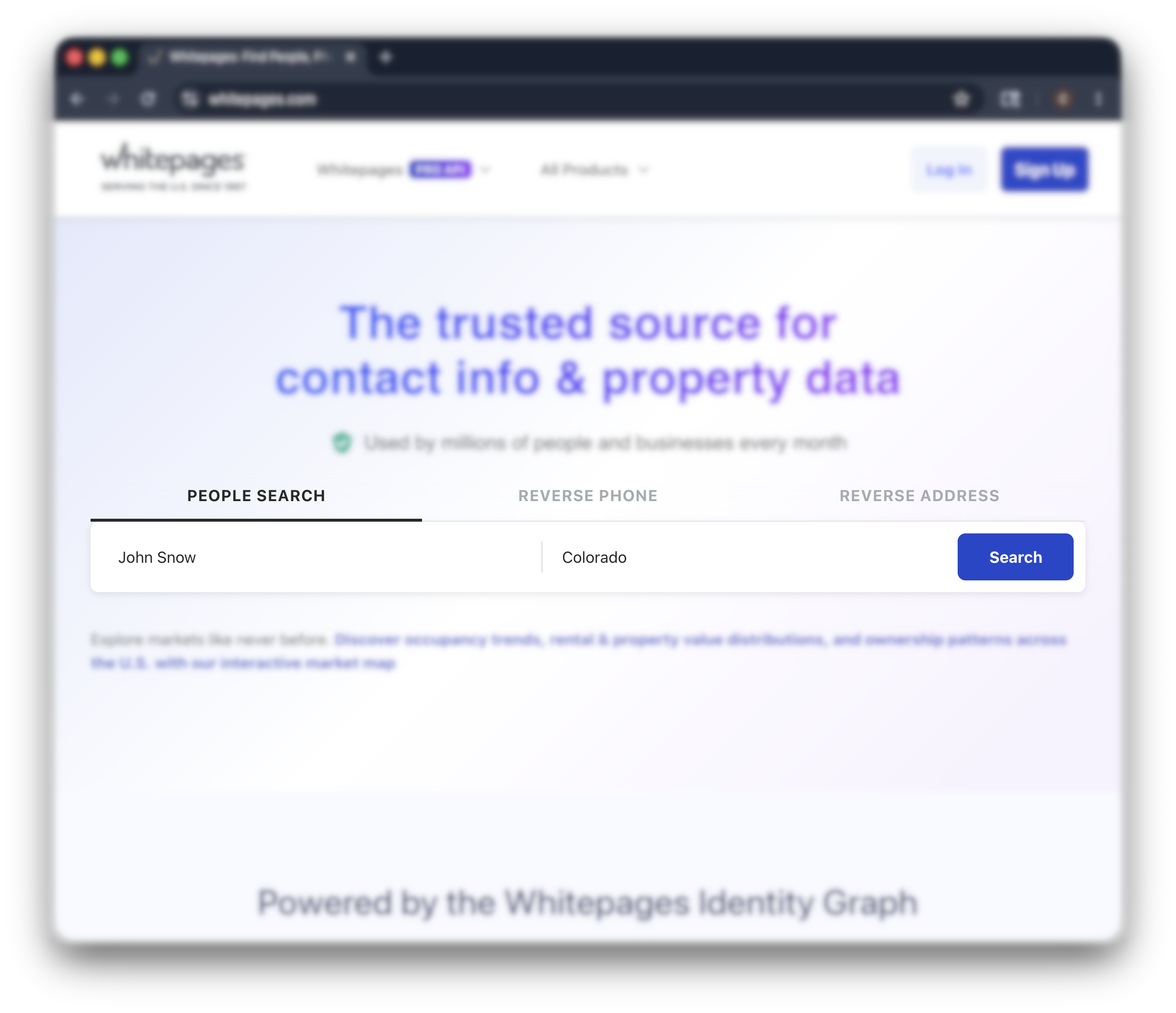
Go to whitepages.com and search for your name. Filter by city and state if there are multiple matches. Click through to your profile page.
Double-check the details—middle initial, age range, known relatives. You only want to suppress the listing that’s actually you. -
Copy the profile URL
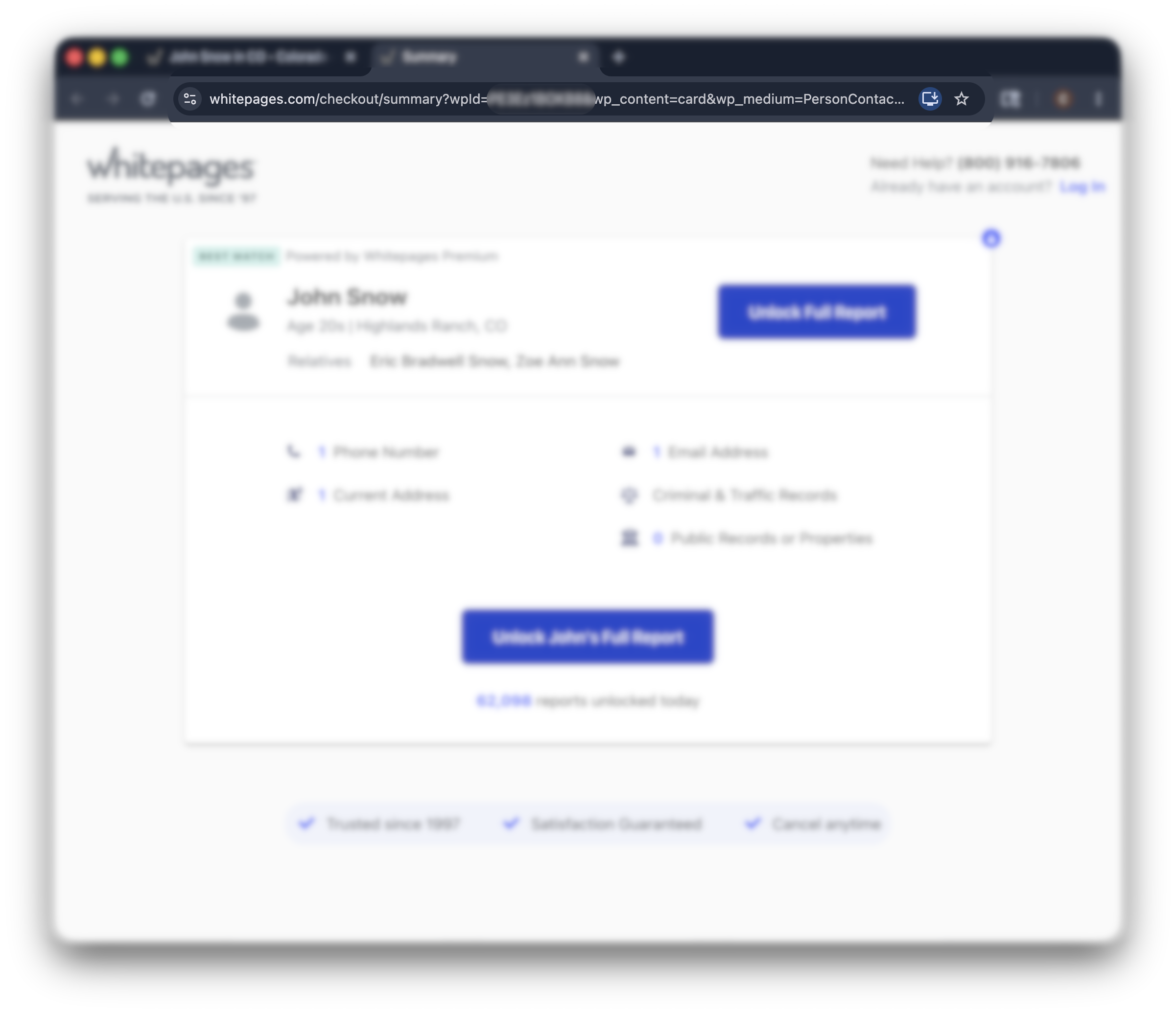
Copy the full URL from your browser’s address bar. This is the link Whitepages uses to identify the exact listing to remove.
If you have more than one listing on the site, you’ll need to opt out each one separately. Whitepages doesn’t offer a bulk-removal option. -
Open the suppression form
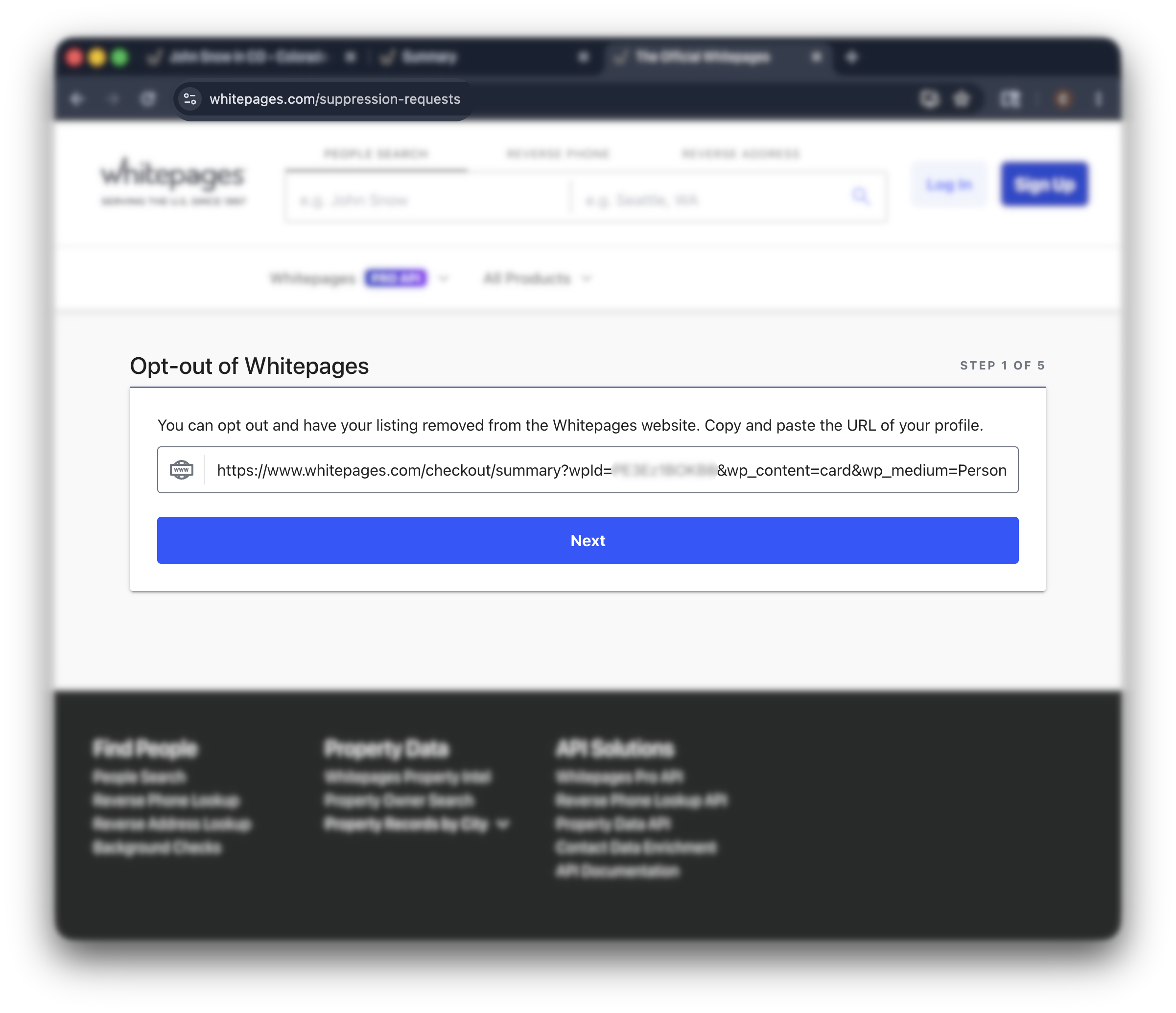
Go to whitepages.com/suppression-requests. Paste your profile URL into the field and click “next.”
-
Select a reason and enter your phone number
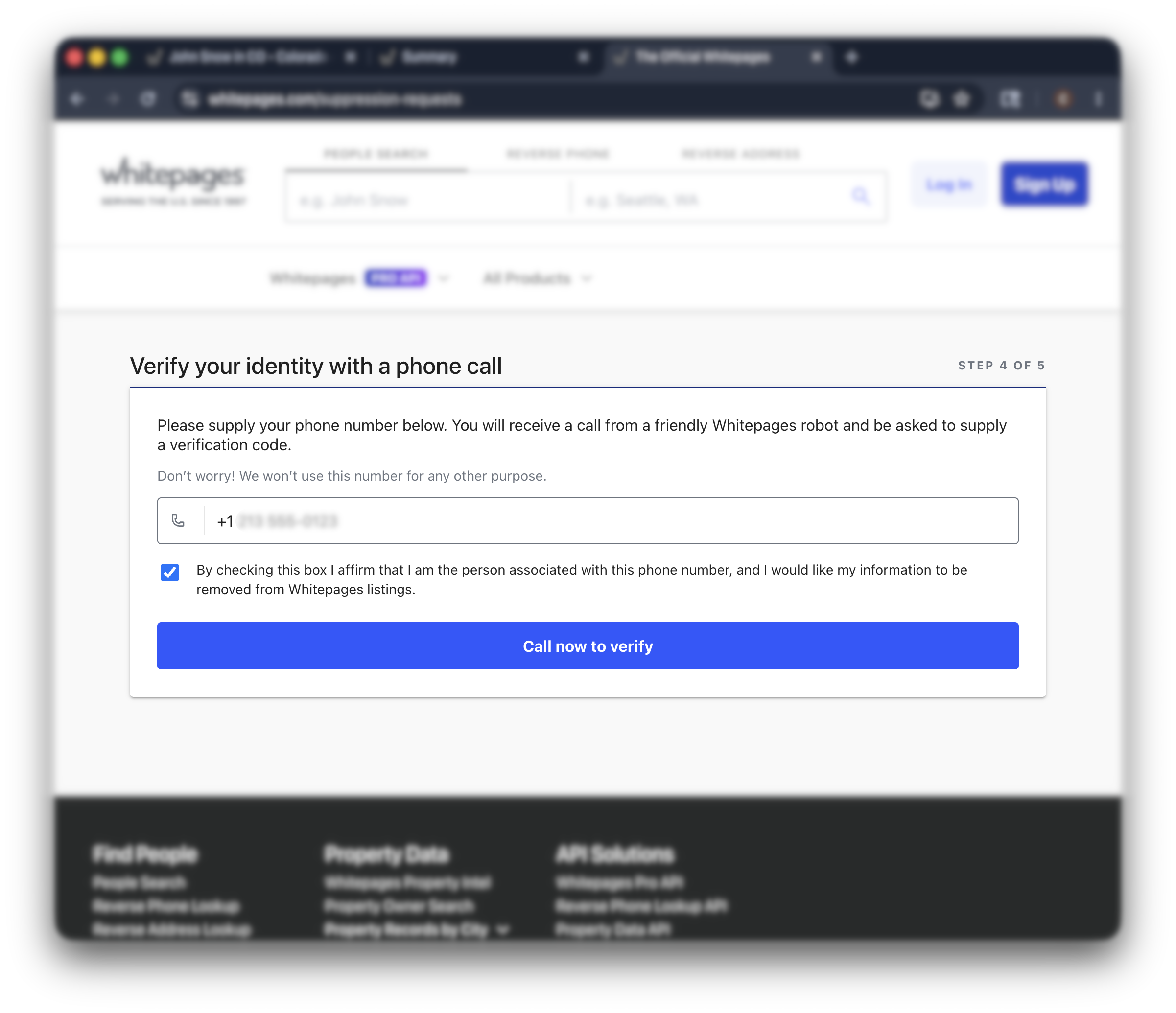
Pick a reason for removal from the dropdown. Then enter the phone number where Whitepages can call you with a verification code.
This is the part most people get stuck on. Whitepages won’t process the request without a working phone verification—there’s no email-only path through the standard form
In short:
Whitepages has two product layers: free and premium. When you suppress your standard listing through the opt-out form, the Premium hook usually disappears with it—there no longer is a separate Premium opt-out.
Whitepages doesn’t sell one kind of data, it sells two.
The free public listing is what most people see: name, age range, phone numbers, current and past addresses, known relatives.
That’s the layer the suppression form targets.
Sitting on top of that is Whitepages Premium—a paid subscription that unlocks deeper background-report content (criminal records, additional contact info, property data).
Whitepages now routes standard and Premium suppression through the same consumer privacy flow in most current guides.
Still, check both the free result and any Premium teaser after 72 hours.
If the Premium teaser remains, email [email protected] with both URLs.
What to expect after opting out
In short:
Whitepages typically processes confirmed opt-outs within 72 hours, sometimes within an hour. Once your standard listing is suppressed, the Premium background-report hook usually disappears with it. Re-listings can happen as Whitepages refreshes its data from telecom and public-record feeds.
How long removal takes
Whitepages’ stated processing window is up to 72 hours.
Many users see the listing disappear within an hour of phone verification.
How to verify your data was removed
Wait at least a few hours, then re-search your name on whitepages.com.
The listing should no longer appear in results, and the URL you submitted should return a removed-record message instead of a profile.
Google’s cache may hold onto the old page for a few extra days. That clears on its own as Google re-crawls.
Will your data come back?
It can.
Whitepages has deep integrations with telecom databases and public-record sources, and it refreshes its index on a rolling basis.
A new listing can appear weeks or months after a removal, sourced from a new data pass.
Re-submit through the same form if it does. If the same profile keeps reappearing, escalate through the privacy email.
Troubleshooting
In short:
Most Whitepages opt-out problems trace back to a URL that won’t paste correctly, a phone number Whitepages rejects, a verification call that never arrives, or a listing that comes back. None of them mean the opt-out is closed off—they just need a different workaround.
If the form fails: use the support portal
Three things break the standard opt-out: a URL that won’t paste cleanly, a phone number Whitepages refuses to accept, or a verification call that never arrives.
When that happens, route around it.
Email your request to [email protected].
Include the URL of your Whitepages profile, your full name as it appears in the listing, and a clear statement that you’re exercising your right to opt out under applicable US privacy laws.
Or, use our template:
To: [email protected]
Subject: Opt-out request — [Your Full Name]
Hi Whitepages privacy team,
I’m writing to opt out and request that you suppress my listing on Whitepages.com under applicable US privacy laws.
Listing details:
- Full name as listed: [Your Full Name]
- Profile URL: [paste your Whitepages profile URL]
- Current city/state: [City, State]
- Please confirm once the suppression is complete.
Thanks, [Your Name]
You can also open a ticket through the Whitepages support portal (linked from the Help section of the site).
Both routes go to the same privacy team and produce the same result—usually a manual suppression within a few business days.
Your URL won’t paste correctly into the form
This is the single most common Whitepages opt-out complaint on Reddit.
The form is strict about URL format and rejects anything that looks off—extra parameters, tracking tags, copied-from-search-results links.
The easiest fix is to use a link-cleaning app, like this one.
Open your profile page directly first, then copy the URL from your browser’s address bar and paste it to the app.
The link should look something like whitepages.com/name/[Your-Name]/…—clean, no extra query strings.
If the form still rejects it, paste the URL into a plain-text editor first to strip any hidden formatting, then copy it from there.
Understandable—the irony of handing your phone number to a data broker to get your data removed isn’t lost on anyone.
There’s no opt-out path through the standard form without phone verification.
Two workarounds: use a temporary number from a service like Google Voice (it still receives the verification call), or skip the form entirely and email [email protected] (you can use the template above).
The verification call never arrives
Wait at least five minutes—sometimes the call is delayed.
If nothing comes, check that your phone isn’t blocking unknown numbers or robocalls.
Many spam-blocking apps catch the Whitepages verification by mistake.
If you still don’t get the call, request a new code through the form, or switch to the email route.
Your data reappeared after removal
Re-submit through the same opt-out form.
A reappearance usually means Whitepages picked your data back up from a fresh telecom or public-record feed—not that your original opt-out was rejected.
If the same listing keeps coming back within days of removal, escalate to [email protected].
As a last resort, file a BBB complaint or contact your state attorney general’s consumer protection office.
Other data brokers that may have your data
Whitepages is one of the oldest names in the people-search business, but it’s far from the only one.
If your data is on Whitepages, expect it on the others too.
Each runs its own opt-out, and most repopulate within months.
The data sources Whitepages draws from feed dozens of other people search sites at the same time.
Removing yourself from one of them is one removal.
Staying off the entire network means doing it everywhere, and doing it again every time your data resurfaces.
Incogni does that work for you.
It files opt-outs across the 420+ data brokers in its coverage, watches for re-listings, and re-files without prompting.
FAQ
How long does Whitepages removal take?
Whitepages says up to 72 hours. In practice, most listings come down faster — within a few hours of phone verification.
What it doesn’t change: Google’s cached version of the page. That can show your old listing in search results for a few extra days even after Whitepages itself has cleared you.
The fix is patience; Google re-crawls on its own. If you need it gone faster, submit the URL to Google’s Refresh Outdated Content tool.
How did my information get on Whitepages?
Whitepages buys, scrapes, and aggregates data from public records, telecom directory feeds, court filings, voter rolls, property records, and other commercial sources.
Some of that data is decades old (Whitepages started as a residential phone-directory company in 1997 and never really stopped collecting).
None of it requires your permission, and none of it triggers a notice to you.
Is the Whitepages opt-out legit?
Yes, even though the phone-verification step feels off.
The reason Whitepages asks for a callable number isn’t to add you to a marketing list—it’s anti-abuse. Without verification, anyone could mass-suppress strangers’ listings from the site. The robocall confirms the request actually belongs to a real person tied to the listing.
If sharing a number to a data broker still feels wrong, skip the form and email [email protected] instead.
Is opting out of Whitepages free?
Free, and you don’t need a Whitepages account to do it.
The thing to watch out for is the upsell. Whitepages Premium is a paid subscription tier sitting on top of the free directory. You don’t need it to opt out, and you don’t need to cancel it to opt out. If you ever signed up for Premium and want to cancel separately, that’s handled in your account settings, not through the suppression form.