Advanced Background Checks opt out & data removal guide
If you play your cards right, you’ll be able to get your private information off the Advanced Background Checks website within 10 minutes. You’ll also be able to do so without giving them any more information than they already have on you.

Updated on: 07 September, 2026
Opt-out process:
about 5 to 10 minutes to submit
Removal time:
up to 45 days for full processing
Requirements:
your name and an email address
Cost:
free
This guide is part of Incogni’s free educational resources.
Prefer to skip the manual work? Incogni removes your personal info from 420+ data brokers—including Advanced Background Checks—automatically and on repeat.
🛡️ 30-day money-back guarantee
How to opt out of Advanced Background Checks step by step
Step 1. Go to the opt-out page
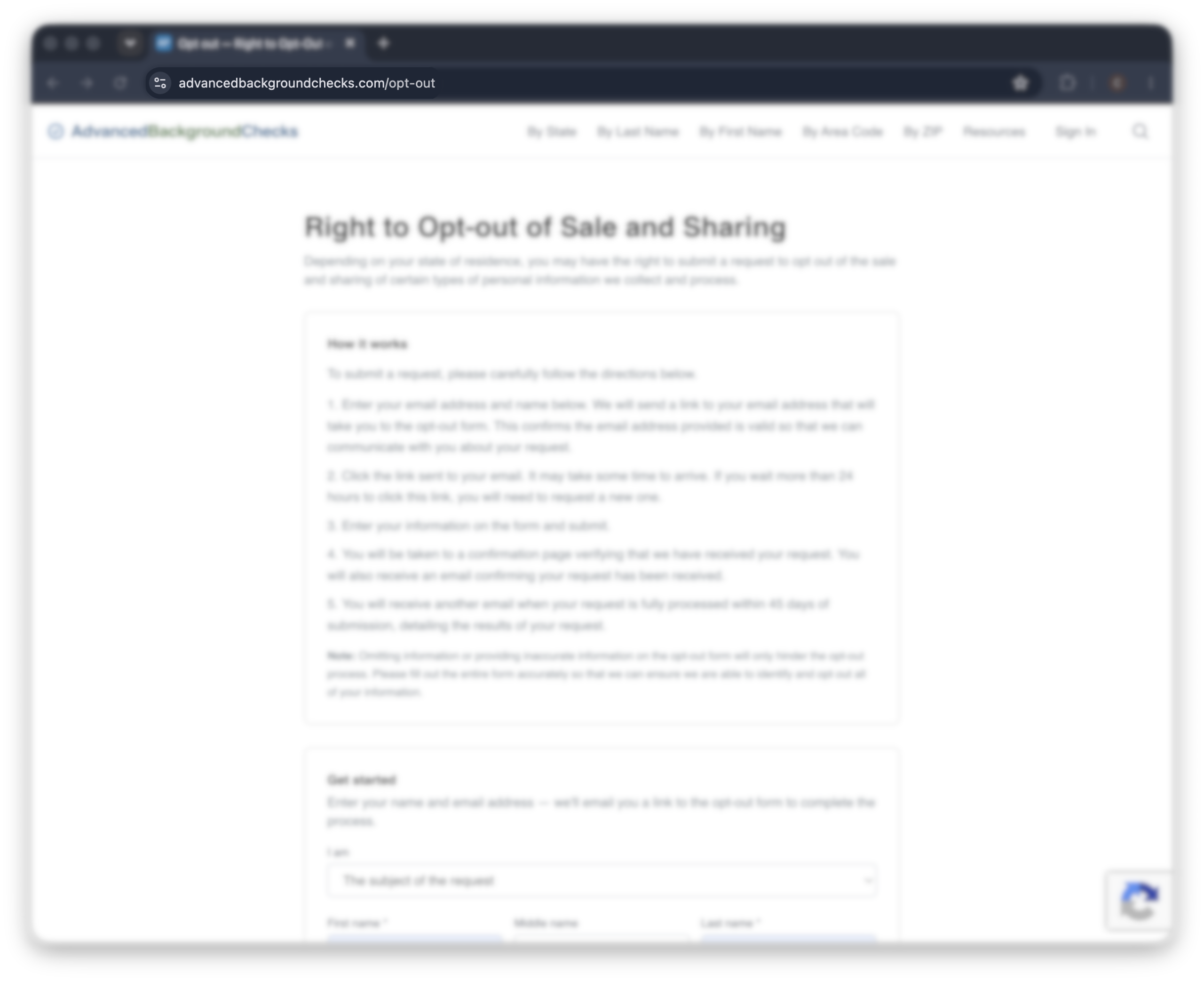
Go to advancedbackgroundchecks.com/opt-out. This is the only opt-out path the site offers, so there’s no need to search for your profile first.
On this page, you’ll see a short explanation of your right to opt out, followed by a form asking for your name and email.
Step 2. Enter your name and email
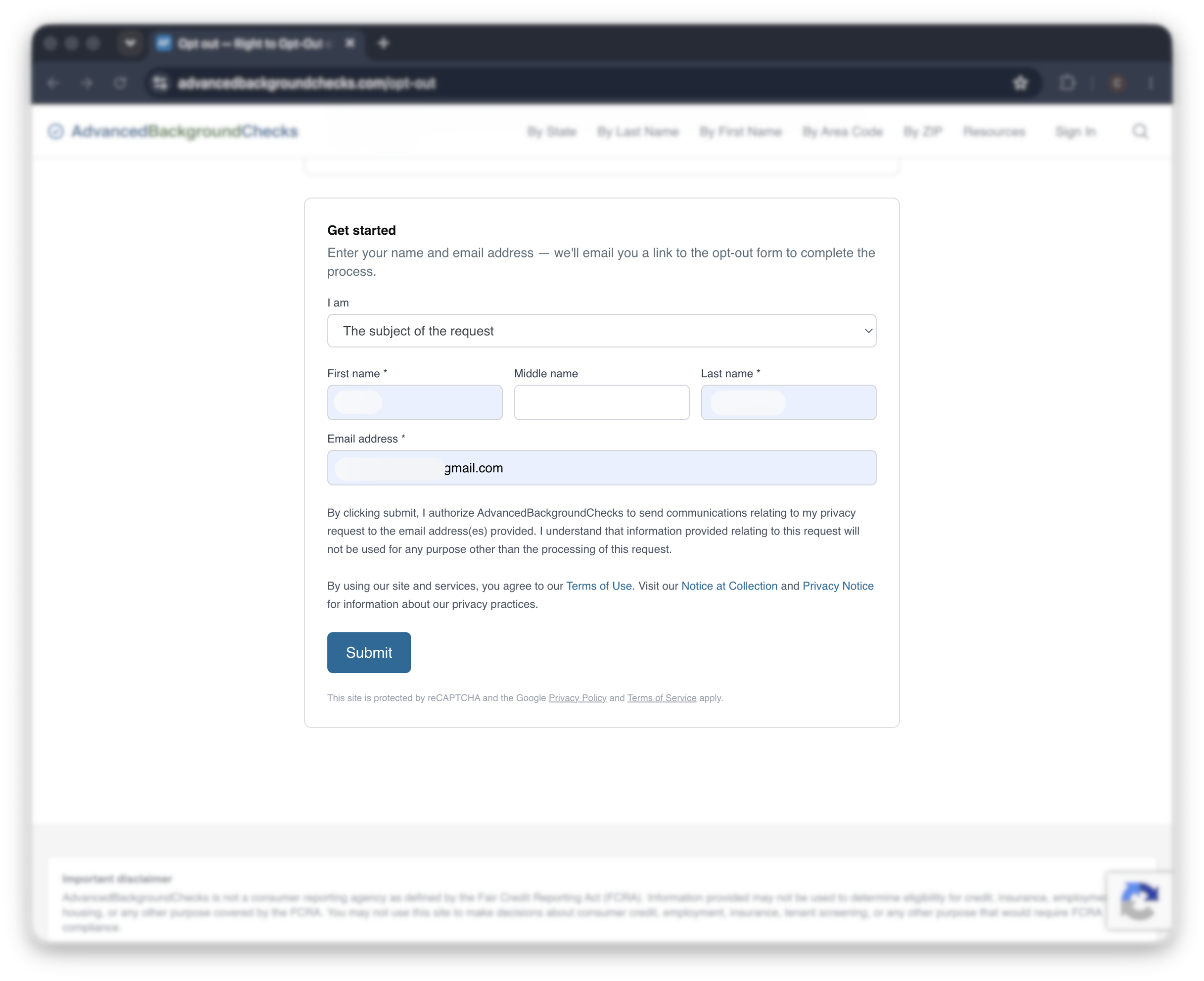
Fill in your first name, last name, and email address. There’s also a field asking whether you’re the subject of the request or an authorized agent acting on someone else’s behalf.
Use an email address you check regularly. The next step depends on a link landing in your inbox.
Step 3. Click the link in your email
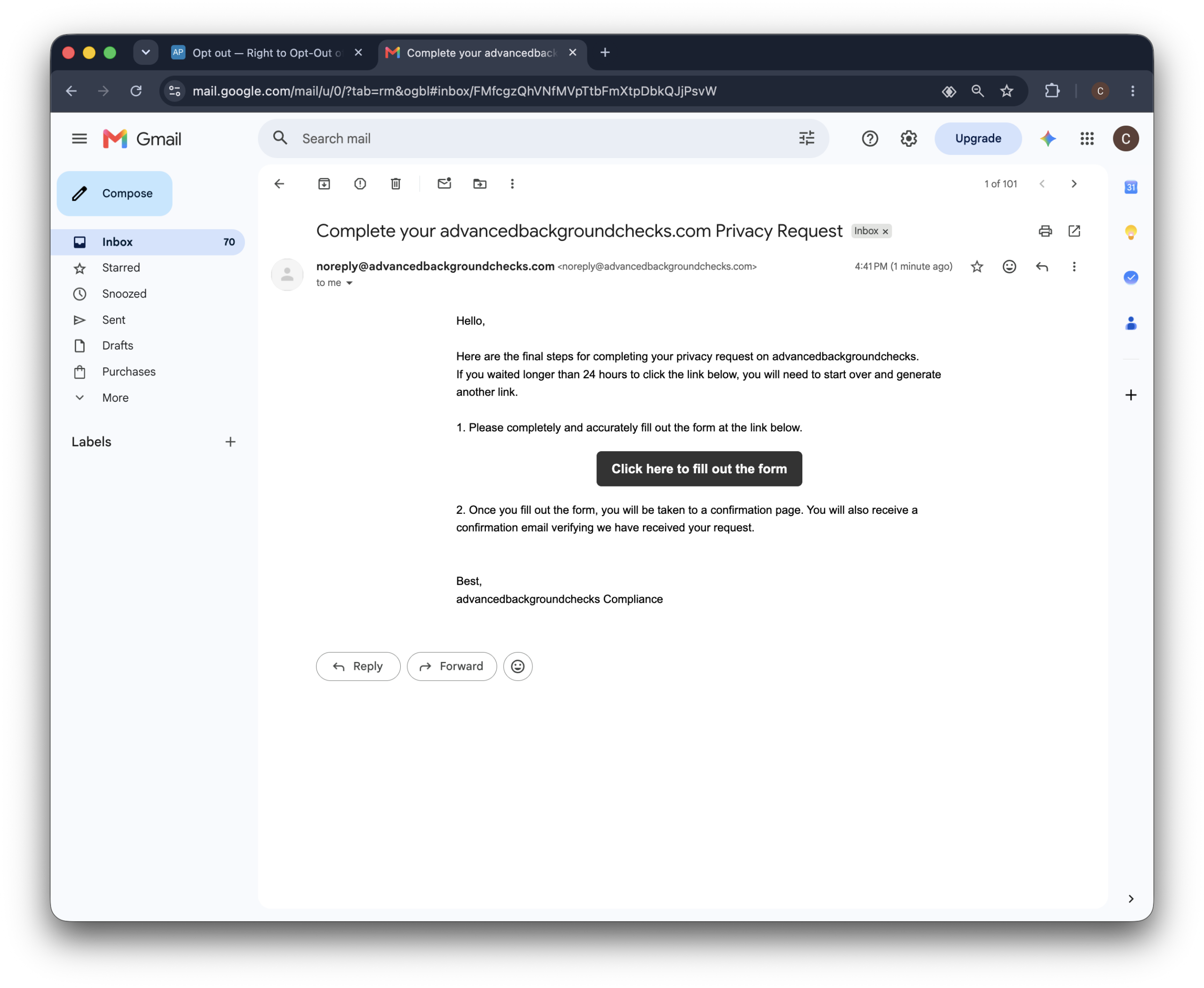
Advanced Background Checks will send you an email with a link to the full opt-out form. Open it and click through.
Worth noting: the link is only good for 24 hours. Past that window, the fastest path is to go back to Step 1 and generate a fresh one.
Step 4. Complete the opt-out form
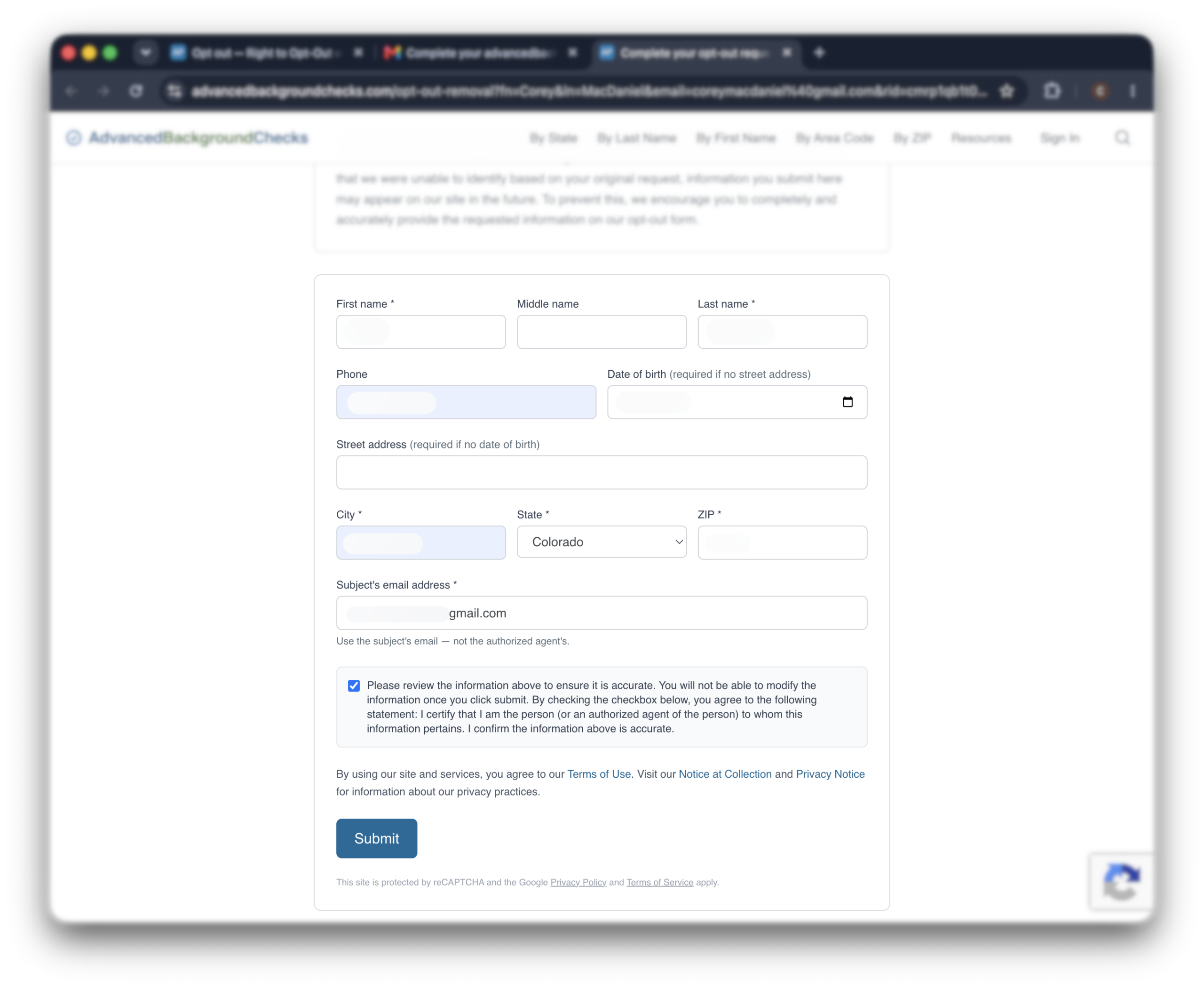
The link takes you to a longer form asking for more details about you, so the company can find and remove the right listing.
Fill out only the required fields.
Step 5. Confirm your request
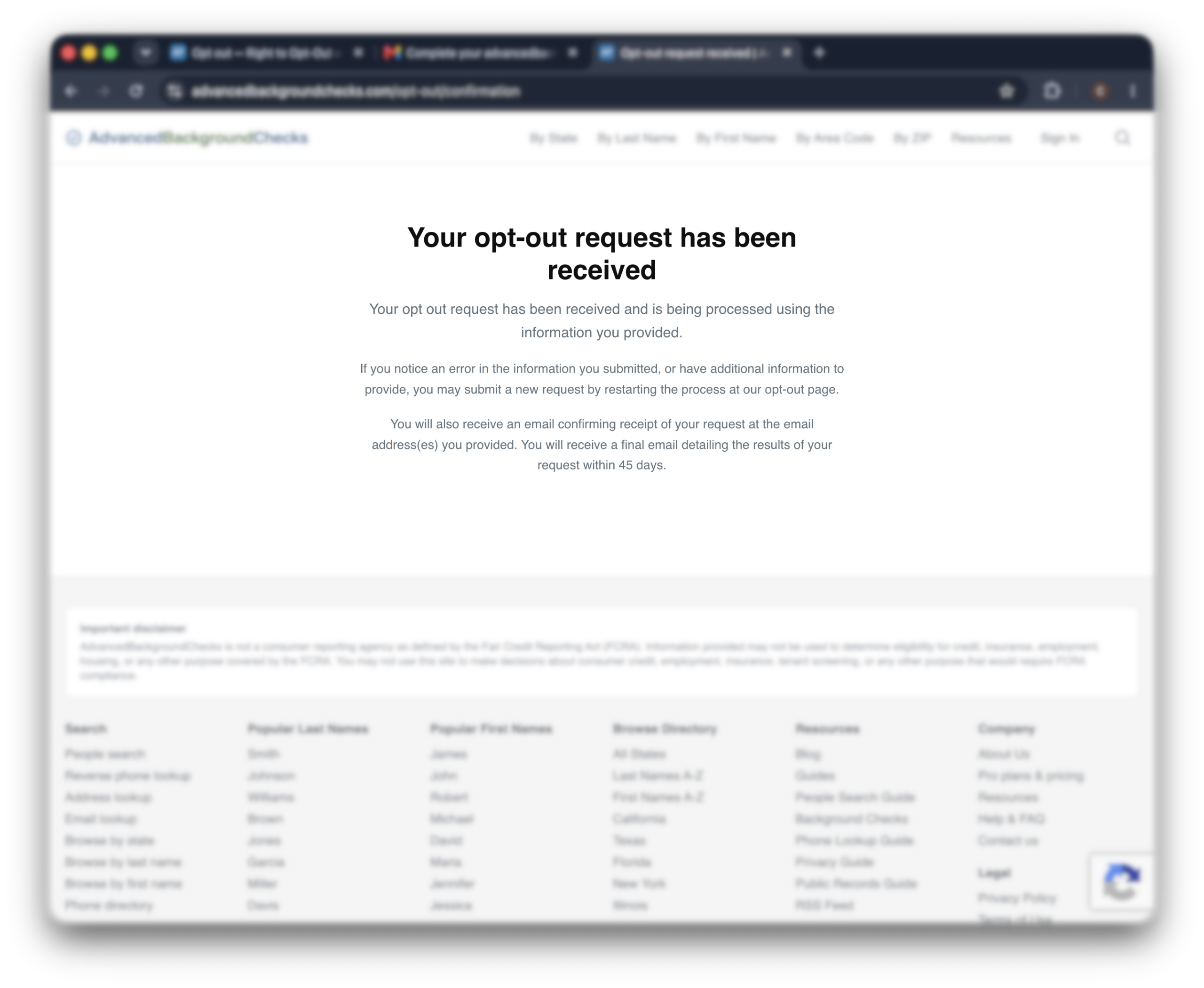
Once you submit the form, you’ll see a confirmation message on screen, and a confirmation email will follow shortly after.
You’ll get one more email once your request has been fully processed, which the company says can take up to 45 days.
Alternative opt-out methods
If you’d rather not use the online form, Advanced Background Checks also accepts opt-out requests by phone.
Opt out by phone
Call Advanced Background Checks at (877) 820-8126 and let them know you’d like to opt out.
Have your full name, current and past addresses, and any other identifying details ready so they can locate the right record.
Since a phone request doesn’t come with the same email confirmations, it’s worth asking for some kind of reference or confirmation, and checking back after a couple of weeks to see how things are progressing.
What to expect after opting out
The company gives itself up to 45 days from the time you submit the opt-out form. That’s a longer wait than most people-search sites, so try to be patient with this one.
You will get email confirmations along the way, first when your request is received, and again once it’s been fully processed.
How to verify your data was removed
Once you’ve received the final confirmation email, search your name on the site again to see if your listing is gone.
Keep your confirmation emails somewhere safe. They’re useful proof if your information reappears and you need to follow up.
Will your data come back?
It can.
Advanced Background Checks builds its listings from public records, and those records get refreshed regularly. So even after a clean removal, a new listing can appear weeks or months later.
This often happens after something changes in the public record, like a move or a new phone number.
The way to stay ahead of it is to check back every so often, rather than assuming one removal will last forever.
Troubleshooting
In short:
Most issues with the Advanced Background Checks opt-out come down to a few things: the site prompting you to pay, a missing confirmation email, or your data reappearing later. None of these mean something has gone wrong.
Clicking “submit” does nothing
Sometimes the form sits there after you click “submit” — no error, no confirmation. That’s almost always the browser, not the request itself.
A quick switch to Chrome, Firefox, or a private window usually clears it. If that’s not an option, clearing your current browser’s cookies and cache often clears it up too.
Once you’ve done that, go back to advancedbackgroundchecks.com/opt-out and start the form over from the beginning.
The site is asking me to pay
The opt-out itself is completely free. If you’re seeing a payment prompt, you’ve likely wandered into the paid “view full report” side of the site, which is a separate product from the privacy request.
Stick to advancedbackgroundchecks.com/opt-out, and you shouldn’t see anything about payment at all.
Didn’t receive the confirmation email
Check your spam or promotions folder first. If it’s still not there after 10 minutes or so, the request may not have gone through, so try submitting the form again.
A personal email address, like a Gmail or Outlook account, tends to arrive more reliably than a work address.
The link in the email expired
If more than 24 hours passed before you clicked the link, it won’t work anymore. That’s expected, not a sign anything broke.
Just go back to advancedbackgroundchecks.com/opt-out and submit your name and email again to get a fresh link.
Your data came back
If your listing reappears down the line, don’t worry, this is common with people-search sites. Just repeat the opt-out steps to submit a new request.
A reappearance usually means the site picked your information back up from a fresh batch of public records, not that your first request failed.
If you find yourself doing this over and over, that’s where it helps to have something handle it for you.
Incogni sends removal requests to the data brokers it covers, keeps an eye out for when your information comes back, and sends new requests on your behalf when it does, across more than 420 brokers. That way you’re not repeating this process by hand, one site at a time.
And if you’re not sure it’s for you, Incogni has a 30-day money-back guarantee, so there’s little risk in trying it.
Advanced Background Checks is far from the only site holding your information, though, so it’s worth knowing where else to look.
Other brokers that may have your data
The same public records that feed Advanced Background Checks also feed other people search sites, so your details may be sitting on several of them at once.
One thing worth knowing: Advanced Background Checks is often confused with FastBackgroundCheck.
They look similar and work in a similar way, but they’re separate services, each with its own listing and its own opt-out process.
Removing yourself from one doesn’t remove you from the other.
If you want to check the rest, you can work through them one at a time.
FastBackgroundCheck, CheckPeople, and Intelius are all good next stops, and each has its own removal guide.
FAQ
Is Advanced Background Checks a legitimate site?
It’s a real, operating people-search site, not a scam. That said, it’s worth knowing it is not accredited by the Better Business Bureau.
So while it’s a legitimate business, “legitimate” here just means it’s a genuine data broker publishing public records, not that it’s been vetted or endorsed by the BBB.
Does removing my listing expunge my criminal record?
No, and this is an important distinction. Opting out only removes what shows on Advanced Background Checks. It has no effect on actual court or government records.
If your goal is to clear or seal a criminal record, that’s a separate legal process handled through the courts, not through a people-search site.
What if I have more than one listing?
It’s common to have several listings, especially if you’ve moved over the years.
The opt-out form is built to find and remove what it can under the details you provide, but if you know of a listing tied to an old address or a past name, it’s worth submitting the form again with those specifics to make sure it gets caught too.
How does Advanced Background Checks get my information?
Like most data brokers and background check sites, Advanced Background Checks doesn’t go into too much detail about where they get their information. We do know that they scrape public records at the local, state, and federal level. They also collect “self-reported information” from public sources like social media.
Related: How to deal with incorrect information on background check reports